How to Apply for Transfer of Vehicle Ownership
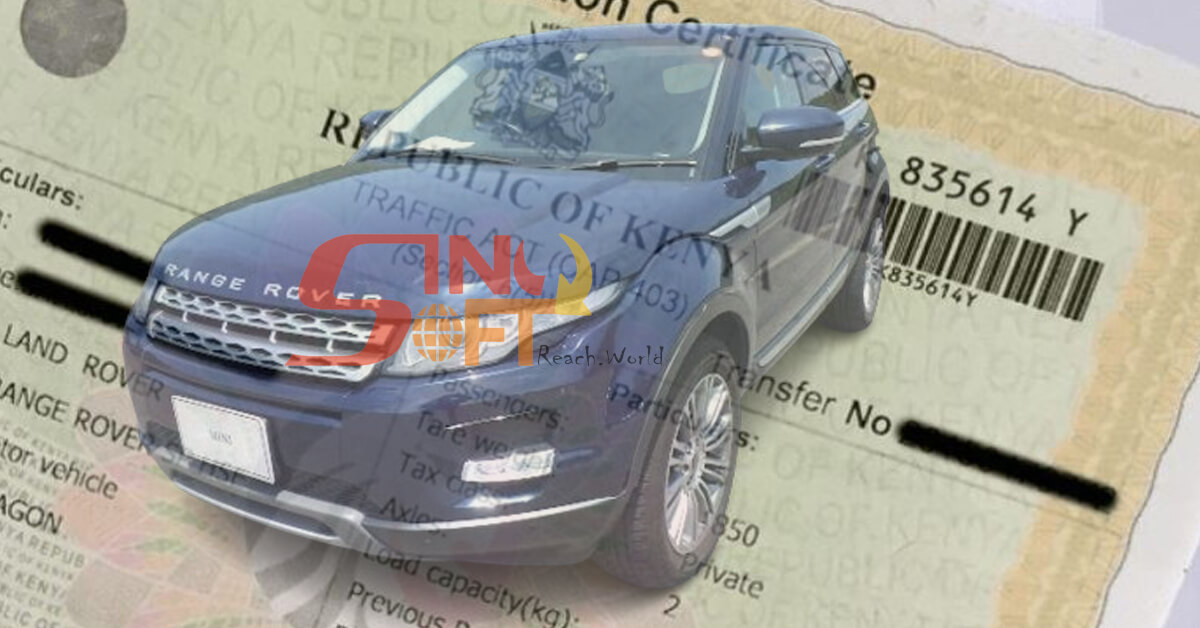
When one buys or sells a vehicle in Kenya, the seller of the vehicle is required to initiate the transfer process as s/he’s the one disposing off their property. This helps in preventing fraudsters from initiating the transfer process without the owner’s consent. Here, we’ll look at how to transfer a logbook of a vehicle during a sale process.
Introduction
The National Transport Safety Authority (NTSA) charges for the transfer to be done and it depends on the cubic centimetres (CC) ratings of the motor vehicle.
The transfer of motor vehicle ownership will take three working days.
The Transfer Process
The transfer process is the change of ownership of a motor vehicle from the current owner (seller) to a new owner (buyer).
According to the NTSA, for a successful process, both seller and buyer must activate their E-Citizens accounts. If either of them doesn’t have an account with eCitizen, they can register online at the portal.
The seller of the vehicle is then required to initiate the transfer process.
The seller is required to log into the E-Citizen account and then select NTSA service portal (New), navigate the Home page and select the specific vehicle you want to transfer.

Thereafter, go to the Motor Vehicles Service, select Vehicle Transfer then click Apply.
After that, you will need to upload the original logbook colour (PDF format) then fill in the new owner details and submit to pay for the transfer of ownership.
Finally, go to the Home page, notification tab to Accept the consent notification.
Read Also: The Cheapest Cars in Kenya
After the seller has initiated the transfer process, the buyer should log into the E-Citizen account, select NTSA service portal (New), go to the Home page click the notification tab to Accept/Decline the consent notification.
The buyer’s next step is to fill in the required details (click Preview), scroll down and tick the declaration box then click Preview and submit for approval.
Is this blog helpful?
0
0
Popular Posts

No Popular Posts Found
We're sorry what you were looking for. please try another way
Popular Categories
Tags
Related Articles
All You Need to Know to Stay VAT Compliant in Kenya
VAT Tax in Kenya: All You Need to Know to Stay VAT Compliant The Kenyan government administers different types of taxes but the Value Added Tax (VAT) is one of the main taxes impacting business owners. In this article, we’ll dwell on all you need to stay tax compliant according to the laid down procedures of the taxman, the Kenya Revenue Authority (KRA) - from its rates to registration and returns – as you contribute to fulfilling your manda
Read Blog
How to Check My Mpesa Statements
How to check your Mpesa statements is as easy as saying cheese. It's important for you to check your Mpesa statements now and then. Why? For one it's part of being on a successful financial literacy journey as you can review your expenses. It's also a good way to view if there's any fishy transactions that you may have not initiated. In this short guide, we are going to look at different methods that you can use to check and even download your statements. The M-PESA Statement
Read Blog
How to check if DL is valid via SMS in Kenya.
Using your mobile phone start a new message. Type the driver’s national ID number starting with letters DL for example DL 1234567111 . Send the text message to 22846. You will receive an SMS showing either DL Valid or DL Expired Make sure you have airtime on your phone, each SMS costs ksh 1
Read Blog